Cruisimity
Application
Your all-in-one social discovery app that connects car enthusiasts and social explorers with like-minded people,
events, and experiences—anytime, anywhere.

Your all-in-one social discovery app that connects car enthusiasts and social explorers with like-minded people,
events, and experiences—anytime, anywhere.
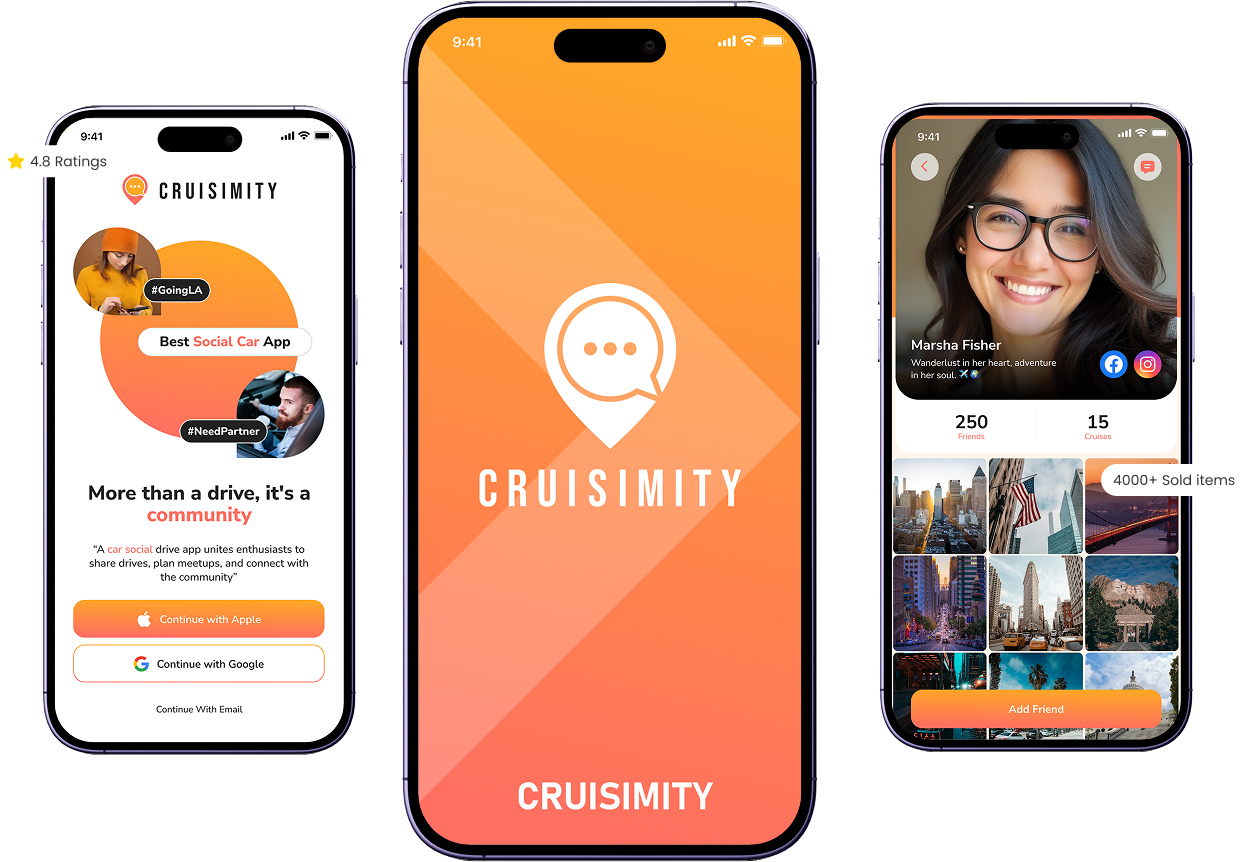
Seamless Onboarding
Set up your profile quickly with photo uploads, social media integration, OTP verification, and detailed car info (model, year, color, and images). Accept terms and conditions and you’re ready to explore.
Secure Payments & In-App Transactions
Smooth, safe, and convenient payment system for any in-app purchases or premium features.
Leaderboard & Achievements
Track your longest trips, fastest trips, and total miles.
Apply filters for all-time stats, last 5 days, or custom date ranges.
Compare your stats regionally or globally with other users.
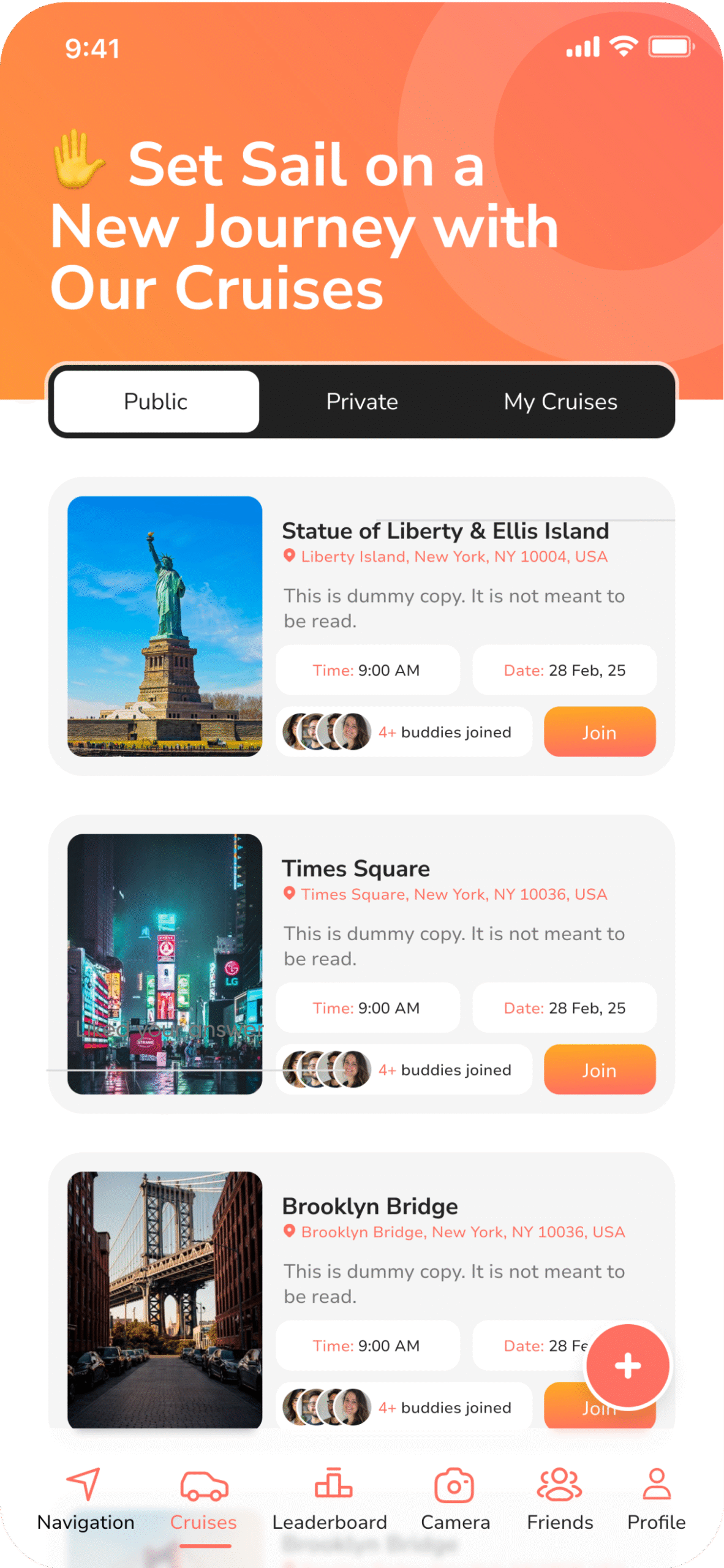
Friends & Social Networking
Search for friends, see pending requests, and get suggestions.
Manage your friend list and interact via chat or shared trips.
Personalized Profile Management
Edit profile details, car information, and social media links.
Toggle privacy settings for social accounts.
Delete account or save changes seamlessly.
Interactive Map & Social Discovery
Google Maps integration for real-time navigation.
Find nearby friends or other users within a 10-mile radius.
Click on avatars to view profiles, social links, distance, and send messages or friend requests.
We’re here to help you get the most out of Cruismity. Reach out anytime, and we’ll respond quickly.
Email: support@cruismity.co
Or fill out the contact form below (include screenshots if needed).


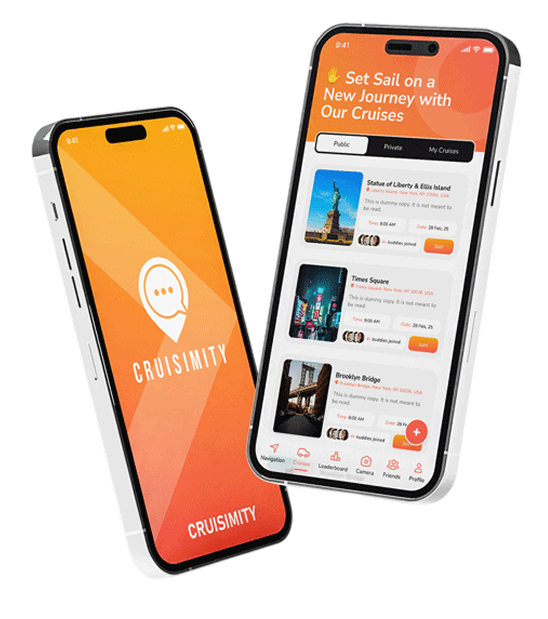


We’re here to help you get the most out of your app. Reach out anytime, we’ll respond as quickly as possible.
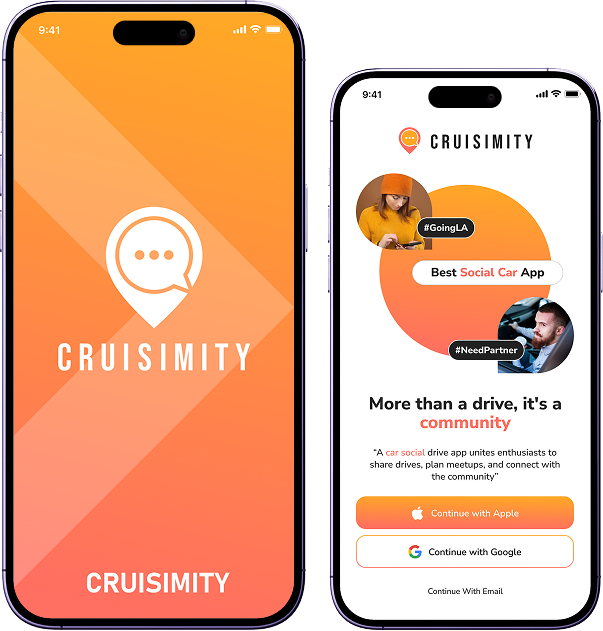
Open the app, go to Settings > Account > Reset Password. You’ll receive a reset email immediately.
Ensure notifications are enabled for Cruismity in your iPhone settings: Settings > Notifications > Cruismity.
Go to Settings > Subscription. You can update your payment method or manage your subscription there.
Try restarting the app. If the problem persists, send us a message through the contact form with a screenshot and your iOS version.
Join thousands of users exploring, connecting, and
competing—all in one app.